
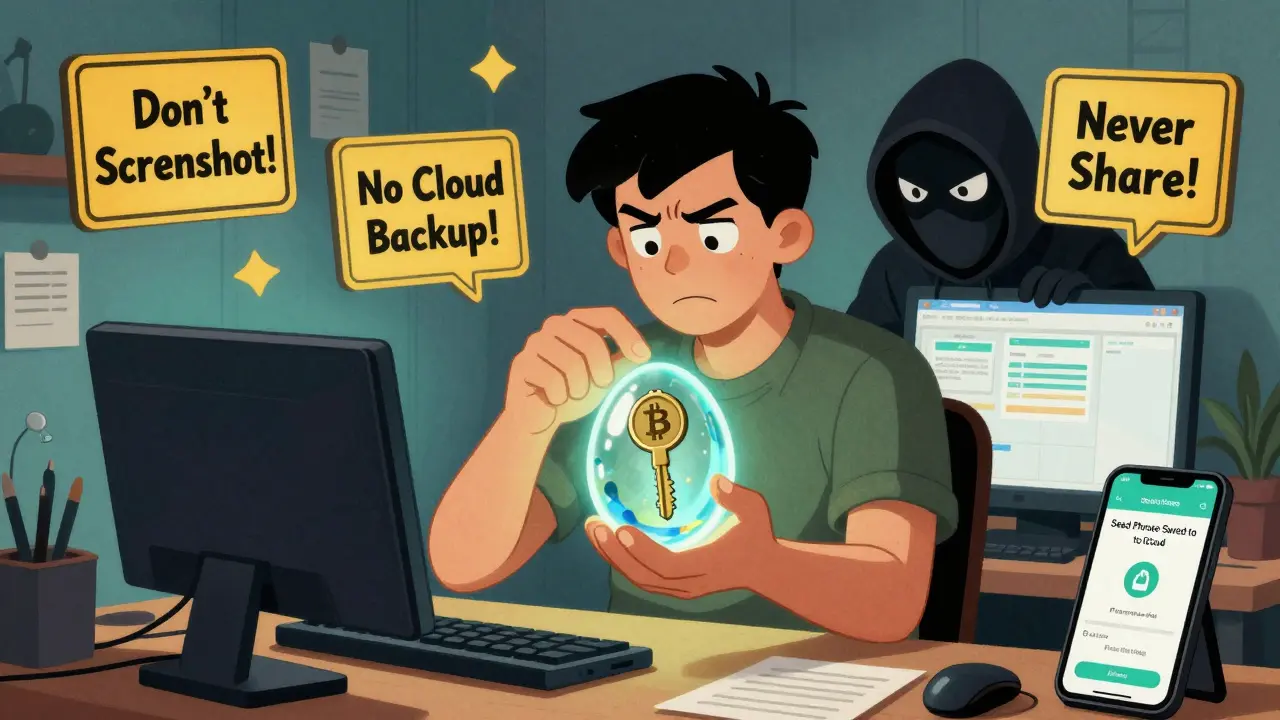
When you own cryptocurrency, you don’t just have a number in an app-you hold a private key. This key is the only thing that lets you spend your coins. Lose it, and your money is gone forever. No bank can help you. No customer service line can recover it. If someone else gets it, they can drain your wallet in seconds. That’s why keeping your private keys safe isn’t just a good idea-it’s the only thing that stands between you and total loss.
What Exactly Is a Private Key?
A private key is a 256-bit number, randomly generated and mathematically unique. It’s not a password you choose. It’s not something you can guess. It’s a long string of letters and numbers-usually 64 characters long-that acts like a digital signature. When you send Bitcoin, Ethereum, or any other crypto, your wallet uses this key to prove you own the funds. No one else can sign a transaction without it.
Every wallet you use-whether it’s an app on your phone or a hardware device-derives this key from something called a seed phrase. That’s usually 12, 18, or 24 words you write down during setup. That phrase is the master key to everything. If you lose it, you lose access. If someone else has it, they can rebuild your entire wallet on any device.
Why Software Wallets Are Risky
Many people start with software wallets-apps like MetaMask, Trust Wallet, or Coinbase Wallet. They’re easy. They let you swap tokens, connect to DeFi platforms, and send crypto with a tap. But here’s the problem: they store your private key on your phone or computer. That means if your device gets infected with malware, hacked, or even just lost, your keys are exposed.
Real-world examples are everywhere. In 2023, a report from InQuest found that 74% of crypto losses came from human error or poor security practices. One common mistake? Taking a screenshot of your seed phrase and saving it to iCloud or Google Photos. Suddenly, your private key is backed up on a cloud server-anyone who hacks your email or gets access to your device can grab it. Another? Sending your 12-word phrase over WhatsApp or Telegram. Even if the app says it’s encrypted, your backup files, device logs, or cloud syncs can leak it.
Software wallets are convenient, but they’re not secure. Think of them like keeping your house keys under the doormat. Easy to find? Yes. Safe? No.
The Gold Standard: Hardware Wallets
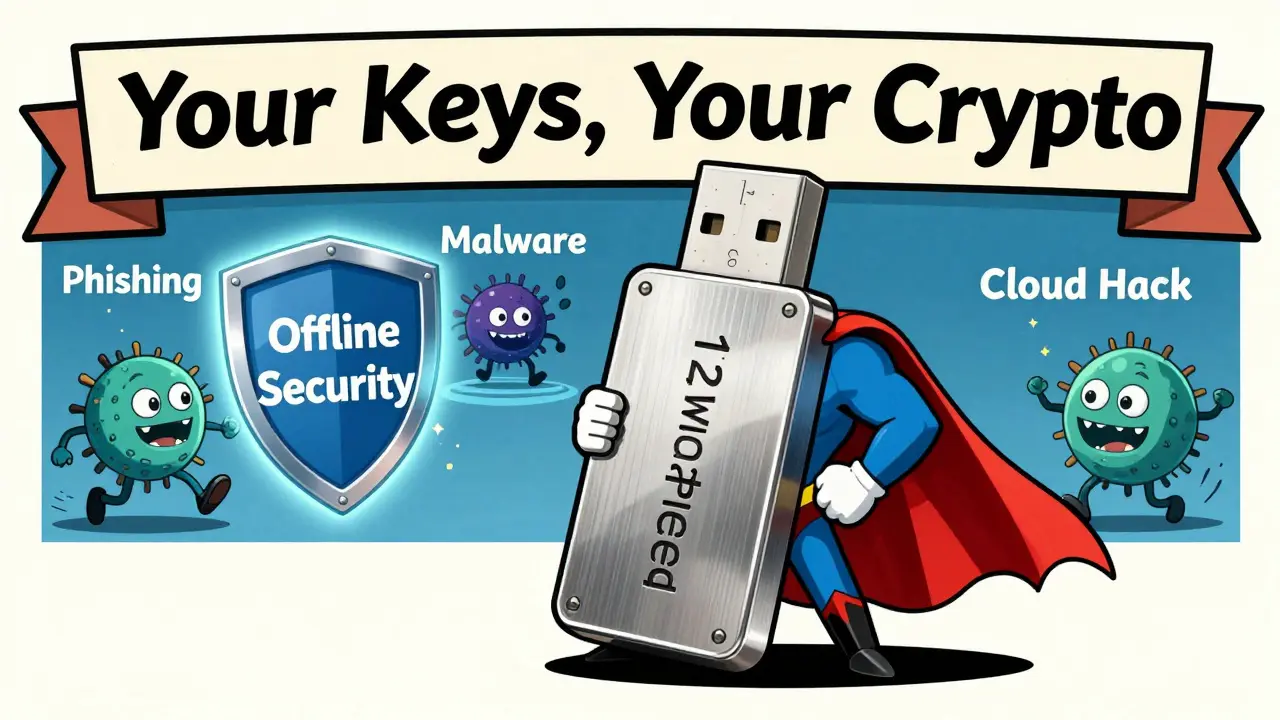
The safest way to store private keys is on a hardware wallet. These are small devices-like Ledger Nano S Plus or Trezor Model T-that look like USB drives. They keep your private keys offline, never touching the internet. When you want to send crypto, you plug the device into your computer, confirm the transaction on its screen, and sign it with a button press. The key never leaves the device.
Hardware wallets use something called a secure element. This is a tiny, tamper-resistant chip designed to resist physical attacks. Even if someone steals your device, they can’t extract the key. They’d need to physically dismantle the chip and bypass multiple layers of security-something that costs thousands and still often fails.
Popular models cost between $50 and $200. That’s a small price to pay compared to losing thousands-or millions-of dollars. These devices also let you create backup seed phrases. You write them down on paper and store them safely. That’s your recovery plan if the device breaks, gets lost, or gets stolen.
How to Back Up Your Seed Phrase Properly
Writing down your 12- or 24-word seed phrase is step one. But how you store it matters just as much.
- Don’t use digital backups. No screenshots. No cloud storage. No email. No encrypted notes on your phone. If it’s digital, it can be hacked.
- Use steel backup plates. These are metal plates engraved with your seed phrase. They survive fire, water, and corrosion. You can bury them in your backyard, hide them in a safe, or give one to a trusted family member. Companies like Cryptosteel and Billfodl make these.
- Make multiple copies. Store at least two copies in separate locations. One at home. One in a safety deposit box. One with a relative you trust. If one gets destroyed, you still have others.
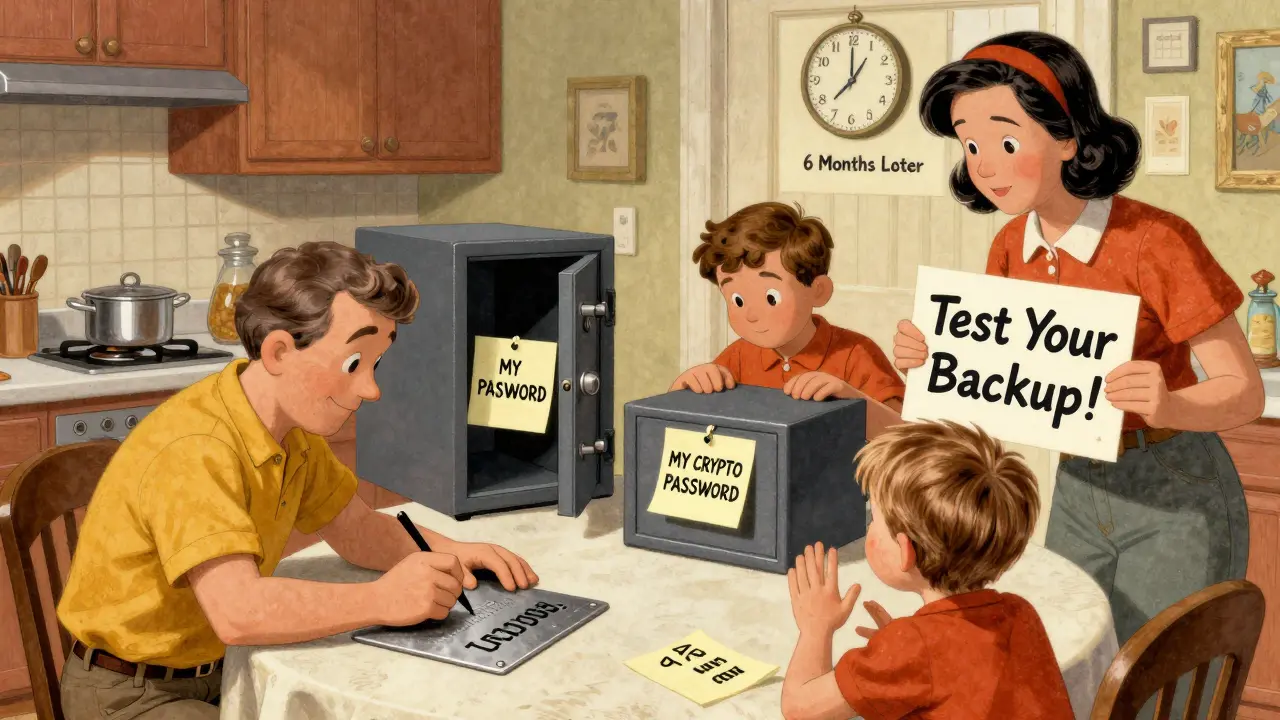
- Test your backup. Don’t wait until you lose your device to find out your backup doesn’t work. Try restoring your wallet on a second device using your seed phrase. Confirm you can access your funds. Do this once, then again after six months.
Some people use paper backups. That’s fine-but paper can fade, burn, or get wet. Steel is far more durable. If you’re holding more than $10,000 in crypto, steel is worth the investment.
Multi-Signature and MPC: Advanced Options
If you’re holding a large amount-say, over $100,000-consider multi-signature (multi-sig) or Multi-Party Computation (MPC).
Multi-sig requires multiple private keys to approve a transaction. For example, you could set up a wallet that needs 2 out of 3 keys to send funds. You keep one key on your hardware wallet. Your spouse keeps another. A third is stored in a safety deposit box. No single person can move the money alone.
MPC is even more advanced. Instead of storing one private key, your funds are protected by shares split across multiple devices. No single device ever holds the full key. To sign a transaction, at least three devices must cooperate. This eliminates single points of failure. Companies like Unchained Capital and Fortanix offer MPC-based custody solutions for institutional investors.
These methods aren’t for beginners. They require setup time, technical understanding, and careful planning. But for serious holders, they’re the most secure options available today.
What Not to Do
Here are the most common mistakes people make-avoid them at all costs:
- Never share your private key or seed phrase. Not with “support staff,” not with “crypto gurus,” not even with your best friend. Legitimate services will never ask for it.
- Don’t store keys on cloud services. iCloud, Google Drive, Dropbox, OneDrive-they’re all risky. Even if you think they’re encrypted, your account could be breached.
- Avoid online key generators. Websites that claim to generate wallets for you? Don’t use them. You have no idea where the key is stored or who controls it.
- Don’t rely on exchange wallets. If your crypto is on Binance, Coinbase, or Kraken, you don’t own the private key. You’re trusting them to keep it safe. If the exchange gets hacked or shuts down, you could lose everything.
Long-Term Security Habits
Security isn’t a one-time setup. It’s a habit.
- Update your hardware wallet’s firmware regularly. Manufacturers release patches to fix security flaws.
- Use a strong PIN or passphrase on your device. A 6-digit PIN is basic. Add a 20-character passphrase (called a passphrase or 25th word) for extra protection. Even if someone steals your seed phrase, they can’t access your wallet without this extra layer.
- Keep your device physically secure. Don’t leave it on your desk at work. Don’t let your kids play with it.
- Review your holdings every 6 months. Check that your backups still work. Confirm your recovery plan hasn’t changed.
Many people who lost their crypto didn’t get hacked. They just forgot. Or they stored their seed phrase on a sticky note that got thrown out. Or they trusted a friend who “helped them” and ended up stealing it. The most secure wallet is the one you actually remember how to use.
Final Thought: Ownership Means Responsibility
Blockchain technology gives you true ownership. But with that comes total responsibility. There’s no reset button. No refund policy. No customer service rep who can undo a mistake.
If you want to keep your crypto safe, you need to treat your private keys like gold. Not like a password you reuse. Not like a document you email. But like something irreplaceable, valuable, and worth protecting with physical, offline, redundant measures.
Use a hardware wallet. Back it up on steel. Store copies in different places. Test your recovery. Avoid shortcuts. Do this once, and you’ll never have to worry again.
Can I recover my crypto if I lose my private key?
No. Cryptocurrency networks are decentralized and have no central authority. If you lose your private key or seed phrase, there is no way to recover your funds. That’s why backing up your seed phrase correctly is the most important step in crypto security.
Is it safe to store my seed phrase on my phone?
No. Even encrypted notes or password managers on your phone can be compromised through malware, phishing, or device theft. Your seed phrase should only be written on paper or engraved on metal and stored offline.
What’s the difference between a hardware wallet and a software wallet?
A hardware wallet stores your private keys offline on a physical device, isolated from the internet. A software wallet stores keys on your phone or computer, which are connected to the internet and vulnerable to hacking. Hardware wallets are far more secure for long-term storage.
Should I use a multi-signature wallet?
If you’re holding over $10,000, yes. Multi-sig adds layers of security by requiring multiple approvals to move funds. It’s ideal for couples, businesses, or anyone who wants to prevent single-point failures. It’s more complex to set up but significantly reduces theft risk.
Can quantum computers break private keys?
In theory, yes-but not anytime soon. Quantum computers capable of breaking Bitcoin’s cryptography don’t exist yet. Experts estimate it’s at least 10-15 years away. Even then, the crypto community is already working on quantum-resistant algorithms. For now, current private keys remain secure against all known threats.
Nicolette Lutzi
March 22, 2026 AT 17:08Domenic Dawson
March 23, 2026 AT 12:40Sam Harajly
March 25, 2026 AT 07:27Alice Clancy
March 26, 2026 AT 17:09kavya barikar
March 27, 2026 AT 02:50aravindsai pandla
March 28, 2026 AT 13:52namrata singh
March 30, 2026 AT 02:04Andrea Zaszczynski
March 31, 2026 AT 17:53Cordany Harper
March 31, 2026 AT 21:26DarShawn Owens
April 1, 2026 AT 22:12Andy Green
April 3, 2026 AT 18:29Zion Banks
April 5, 2026 AT 17:37Annette Gilbert
April 6, 2026 AT 13:52Jenni Moss
April 7, 2026 AT 14:48Marie Mapilar
April 8, 2026 AT 08:52Shelley Dunbrook
April 9, 2026 AT 14:23Aman Kulshreshtha
April 10, 2026 AT 10:11Leona Fowler
April 12, 2026 AT 02:20